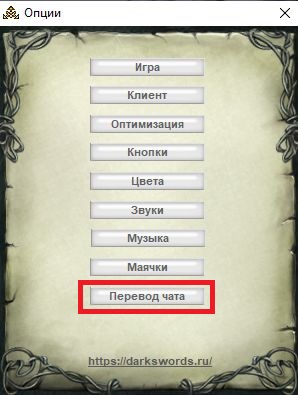
Options
Options

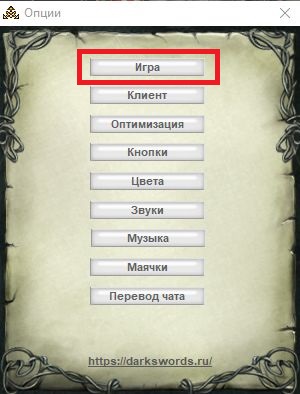
Options: Game
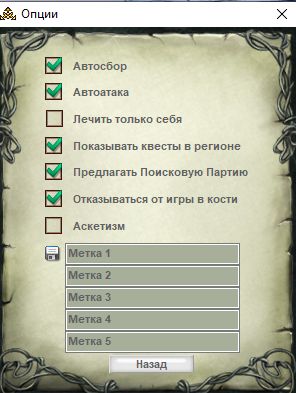
- Autoloot turn picking up loot on/off.
- Auto-attack turn attacking after the party leader on/off.
- Heal only yourself
- Show quests in the region turn showing available quests in the region window on/off.
- Offer Search Party.
- Decline Dice Game.
- Asceticism — the character stops gaining experience for defeating monsters, and also gold and items (except quest items) for killing monsters.
- Label you can change the names of labels set in the player list.
Options: Client
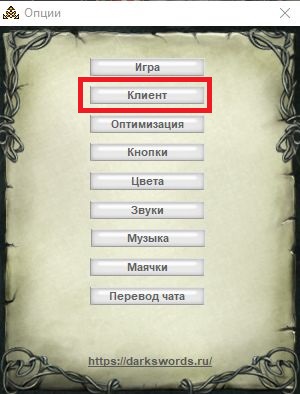
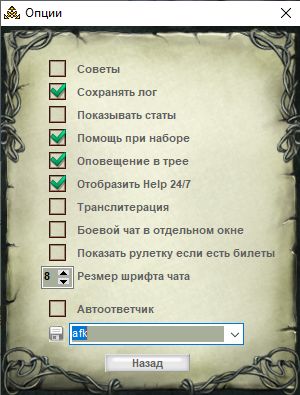
- Tips — turn chat tips on/off.
- Save log — turn log saving on/off. Logs are not saved when the total filter is on.
- Show stats — show stats in your character information.
- Typing assist
- Tray notification — a Windows taskbar popup when some action finishes (for example auto-walk) or a private message arrives.
- Show Help 24\7 — show the "Help online" and "Buy Platinum" windows
- Transliteration — turn transliteration on.
- Combat chat in a separate window — puts combat chat in its own window.
- Show roulette at max tickets — shows the roulette window if you have the maximum number of tickets from the daily limit.
- Autoresponder — turn the autoresponder on/off and change it.
Options: Optimization
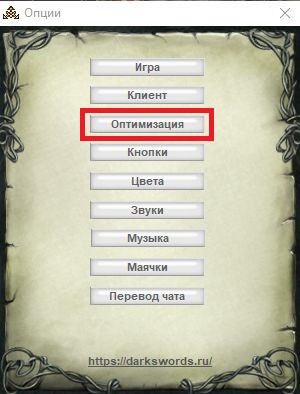
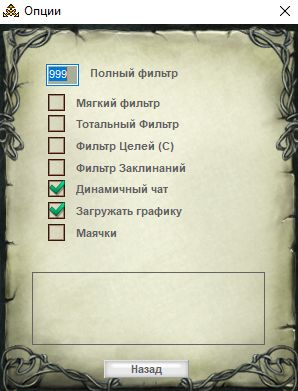
- Full filter — if more messages arrive in 2 seconds than the number you set, they are filtered: they are not shown, but they are written to logs if that option is on.
- Soft filter — with Soft Filter on, messages about other people's fights are not sent by the server and are not shown in chat.
- Total Filter — the server stops sending all combat messages. Messages are also not written to logs, regardless of settings.
- Target Filter (C) — in combat, nobody is shown except monsters and the character you are fighting. Other fighters simply vanish.
- Spell Filter — in combat, spell icons and spell tooltips are not shown on any character except yours and the one you are fighting.
- Dynamic chat — messages are added instantly, not in a packet.
- Load Graphics — disable loading of graphic files (items, locations, avatars). Files already loaded are still shown.
- Beacons — chat shows only messages that triggered a beacon. Beacons can be set in this same settings window.
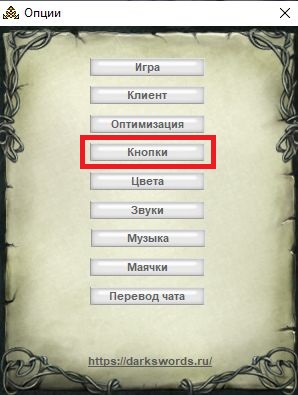
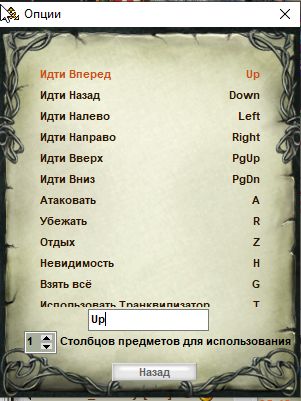
Options: Keys
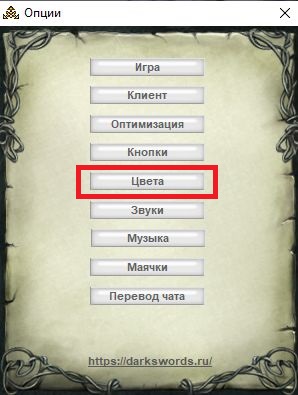
Options: Colors
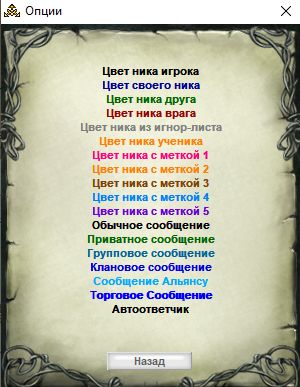
This option lets you change message and label colors from the defaults.
Options: Sounds
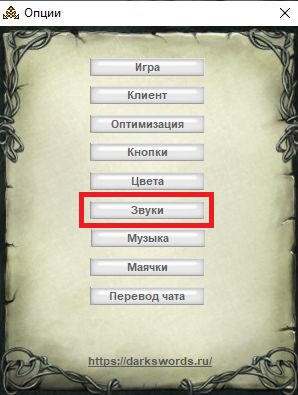
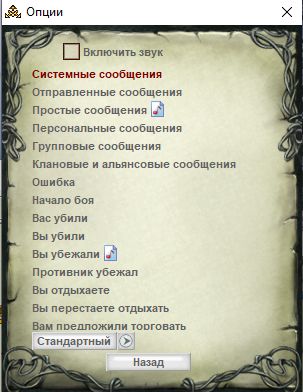
This option lets you change the sound from the default ones. Sounds are accepted only in .wav format.
Options: Music
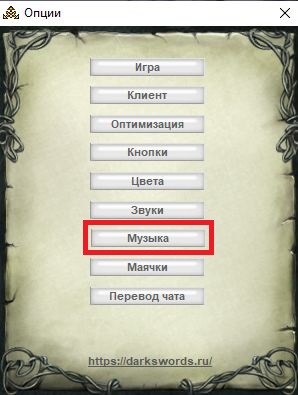
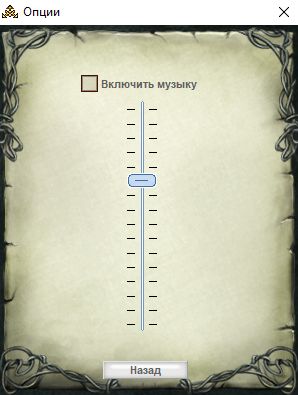
Options: Beacons
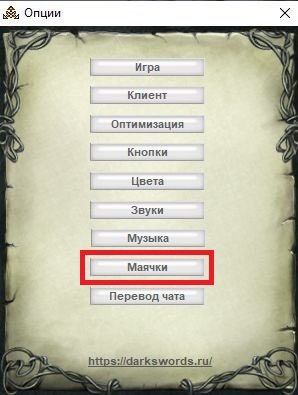
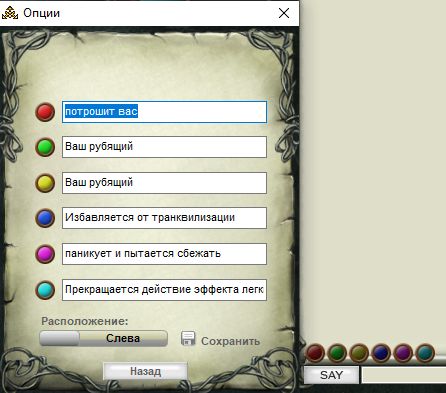
Beacons are a sound alert for phrases, words and so on that you set. Type (or paste from the client) the text (a word, phrase, nick, and the like). When a beacon fires it blinks, and in the game client chat you hear a sound. Each beacon color can have a sound set in Options: Sounds.
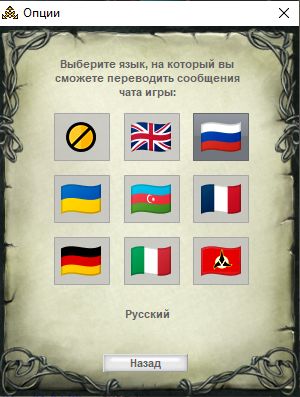
Options: Chat translation