Trade
Trade
Trade is exchanging something with other players. To offer a trade, select the player's avatar and press 
The trade window then opens. Put an item in with Shift (if one), Ctrl (if several, but not the whole stack), or a double-click — the entire stack
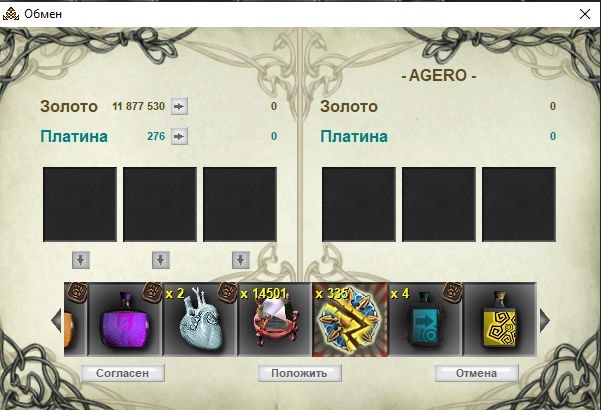
Do not press "Agree" right away if the other player is also supposed to put something in.
Wait until they complete their side of the deal.
The second player must also press Trade. Their trade window opens with the item you put in; they complete their side and press "Agree".
For example:
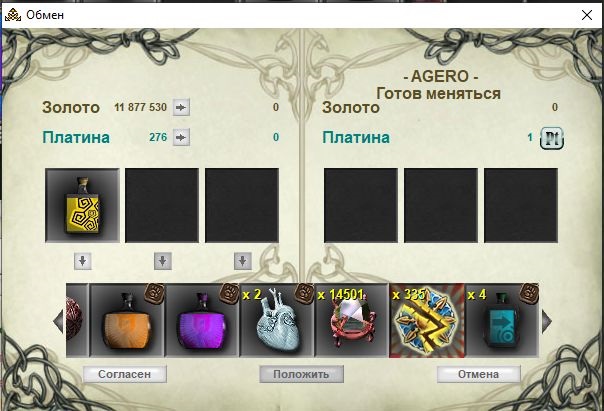
A message appears in chat: Name changes the deal terms.
If everything is fine, click "Agree" — The deal has been successfully concluded
- Check that you have enough weight and empty slots for the trade.
- You cannot trade in combat or with players who have Outlaw status.
- Be careful when exchanging with other characters: check that every term of the deal is met.