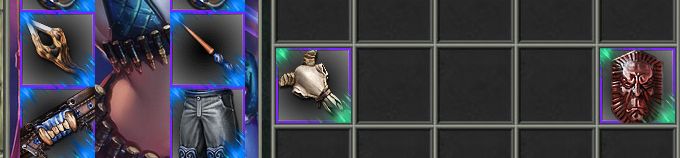
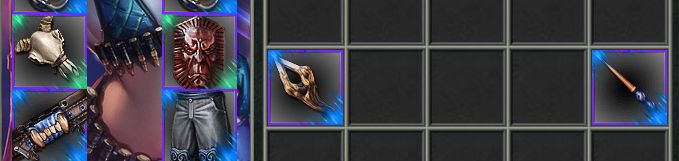
Inventory
Inventory
Items the character is carrying are shown in the inventory window. Open inventory 
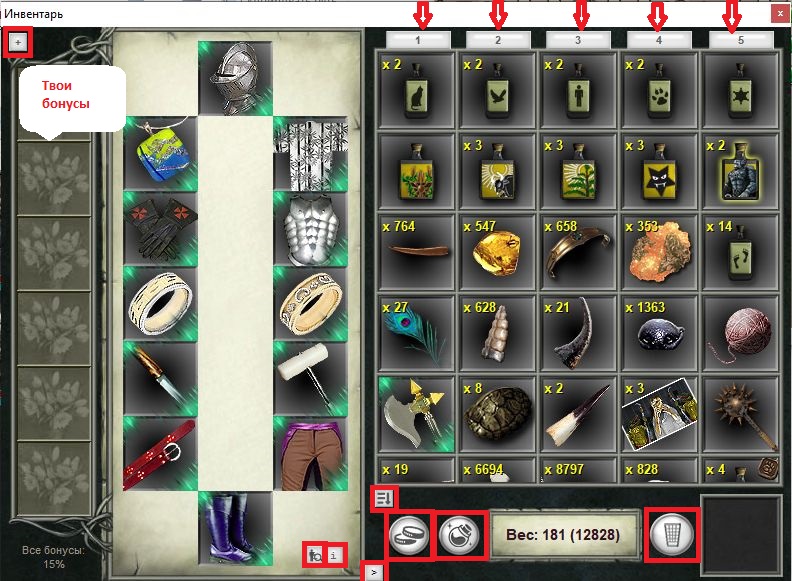
You can expand the inventory fully, open the purse, the recipe book, look at your info, and worn equipment.
Working with items in the inventory
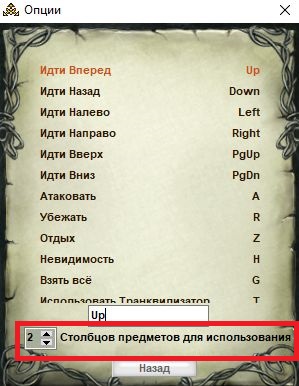
Elixirs in the first row are used by default with keys 1-2-3-4-5.
You can also set keys 1-2-3-4-5 to use the second row (or more). To do that, open Options: Keys

- Use — or a double-click.
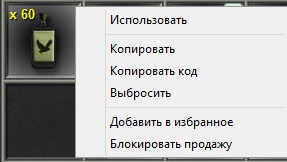
- Copy — copies the item information.
- Copy code — if you paste it into chat, the item picture is shown.
- Drop — or Alt and click the item.
- Add to favorites — after adding an item to Favorites, you can find it quickly in the Inn or Bar.
- Block sale — items in locked slots are not sold when you press "Sell all" in a shop.
If needed, you can take part of a stack (from the Inn, Bar, shop) or split it into several slots in the amount you want (manually or with hotkeys).
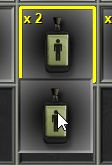 |
SHIFT — take/put aside 1 unit |
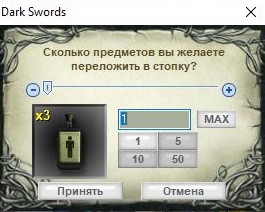 |
CONTROL — take/put aside any number of items from the stack |
|
ALT + click an item — drops it from the inventory onto the floor. If you drop a personal item, it disappears. |
|
 |
Drop all — drops every item onto the floor (except personal items, items bought for platinum or palladium, artefact equipment and attack power-ups). |
 |
Take all — picks up every item from the floor if you have enough free slots and backpack weight. |
For items from killed mobs to go into the inventory automatically, turn on Autoloot. See Options: Game
Using recipes
- Read — the recipe is read and becomes active in the recipe book
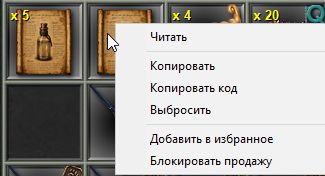
- Double-click a recipe — the whole stack is read (if the recipe is single-use and spent per item)
Using the Crucible Furnace
- Recycle. With a furnace in the backpack you can recycle various items into gold bars (ingredients, equipment, and so on). To turn one (or several) items into a bar, split the needed amount from the stack and right-click "recycle".
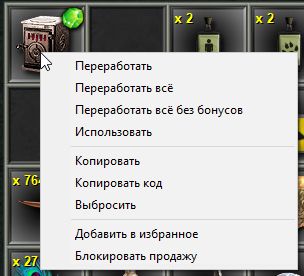
- Recycle all — turns every item that can be smelted into gold bars.
- Recycle all without bonuses — turns all equipment that has no bonuses into bars.
Quick access
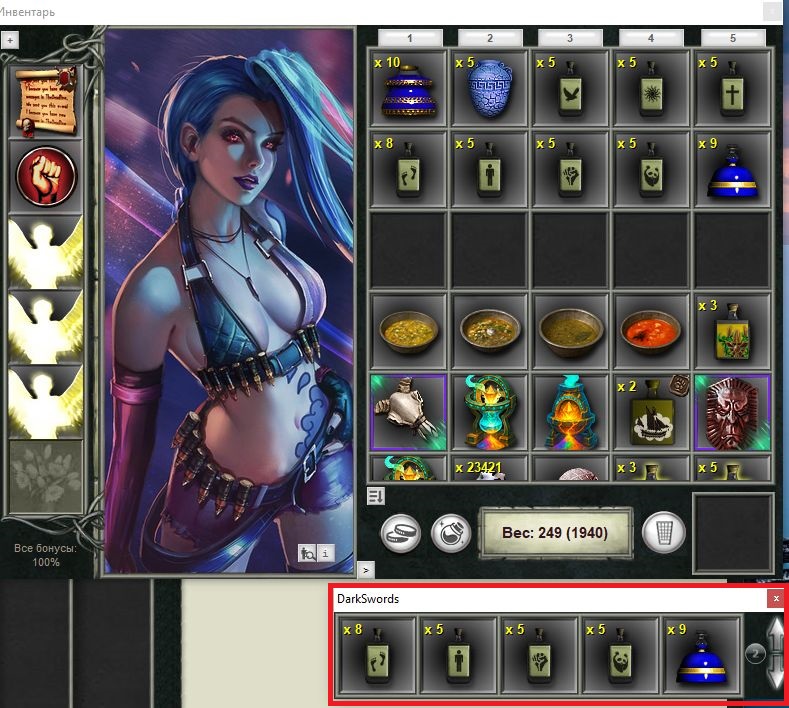
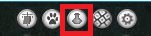 Quick access is used to show any inventory row as a separate window
Changing weapons in combat
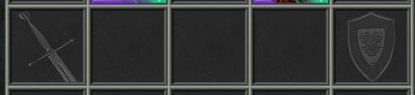
With hotkeys (default "<" ">", see Options: Keys) you can swap a weapon set in combat if the items are in the matching inventory slots marked with special icons